8K@60Hz DP KVM Switch – 1 Monitor, 2 Computers
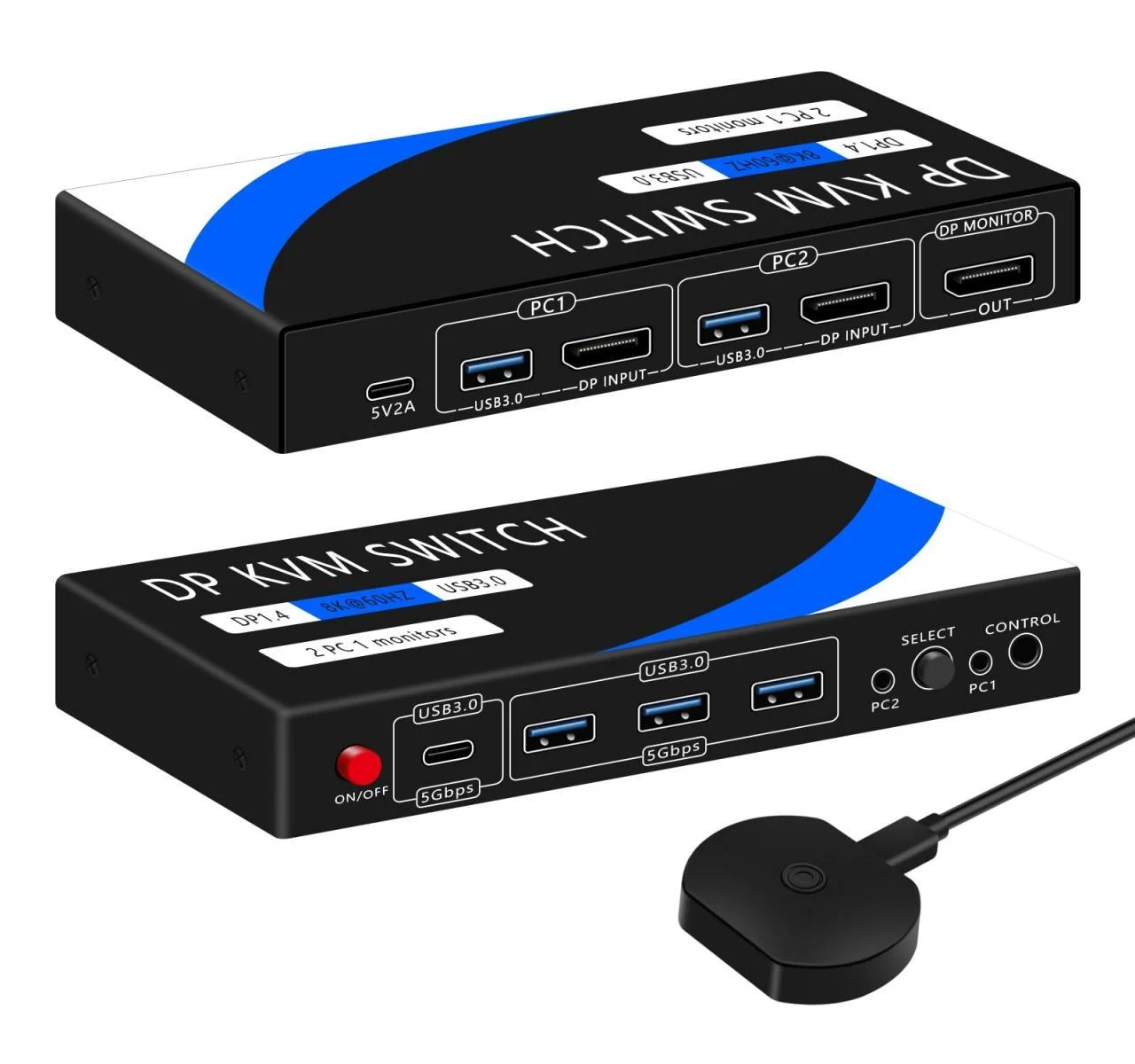
1. Dual Computer Control: 2 DisplayPort inputs + 1 output. Share 1 monitor, keyboard, and mouse between 2 computers. Works with PC, laptop, PS4, etc. Compatible with Windows, Linux, Mac.
2. USB 3.0 Ports: 4 ports (3 x USB-A + 1 x USB-C), up to 5Gbps. Seamlessly share peripherals like keyboard, mouse, printer, webcam. (USB-C only supports data, no audio/video.)
3. High Resolution: Supports up to 8K@60Hz, backward compatible with 4K@120Hz, 2560x1440@144Hz, 1080P@165Hz. Ensure input/output devices match resolution.
4. Switching Methods: Use KVM button or desktop controller. Controller allows the KVM to be hidden while keeping desktop clean. Notes:
1. DP & USB cables must connect to correct PC for KVM function.
2. Ensure USB charger is powered for high-load devices.
3. No hotkey switching; only 1 monitor supported.
4. Not HDMI or USB-C KVM; use high-quality adapters if needed.

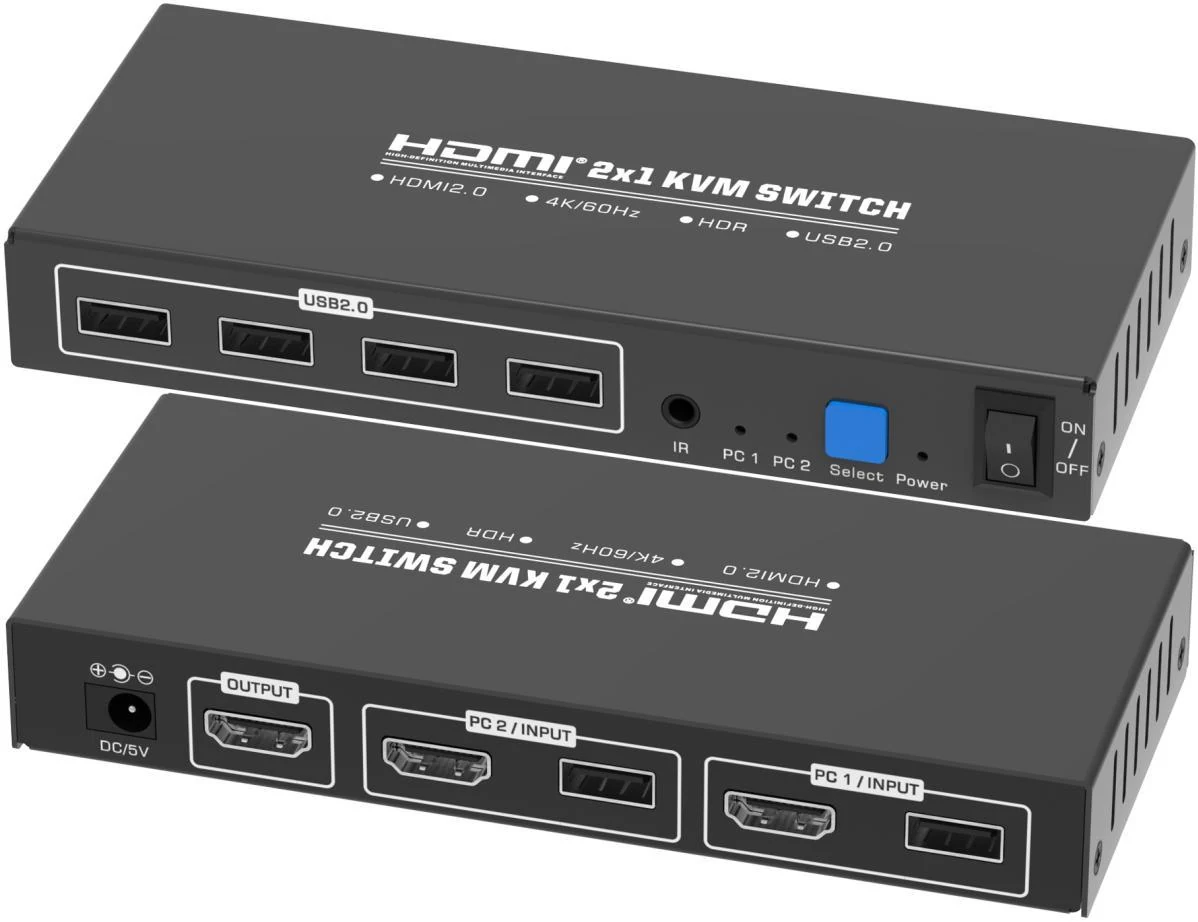 Supplier catalogue photograph of S-KVM-4K60-201B; confirm included accessories
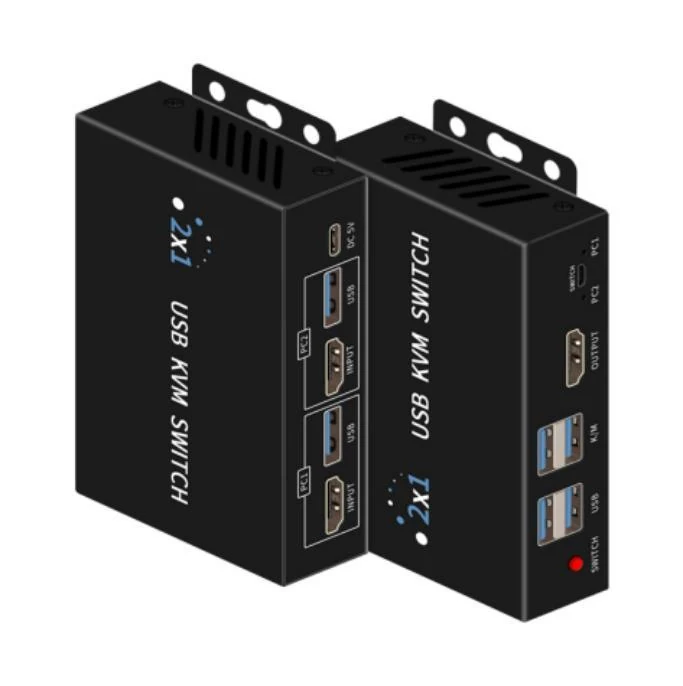 Supplier catalogue photograph of S-KVM-4K60-201C; confirm included accessories
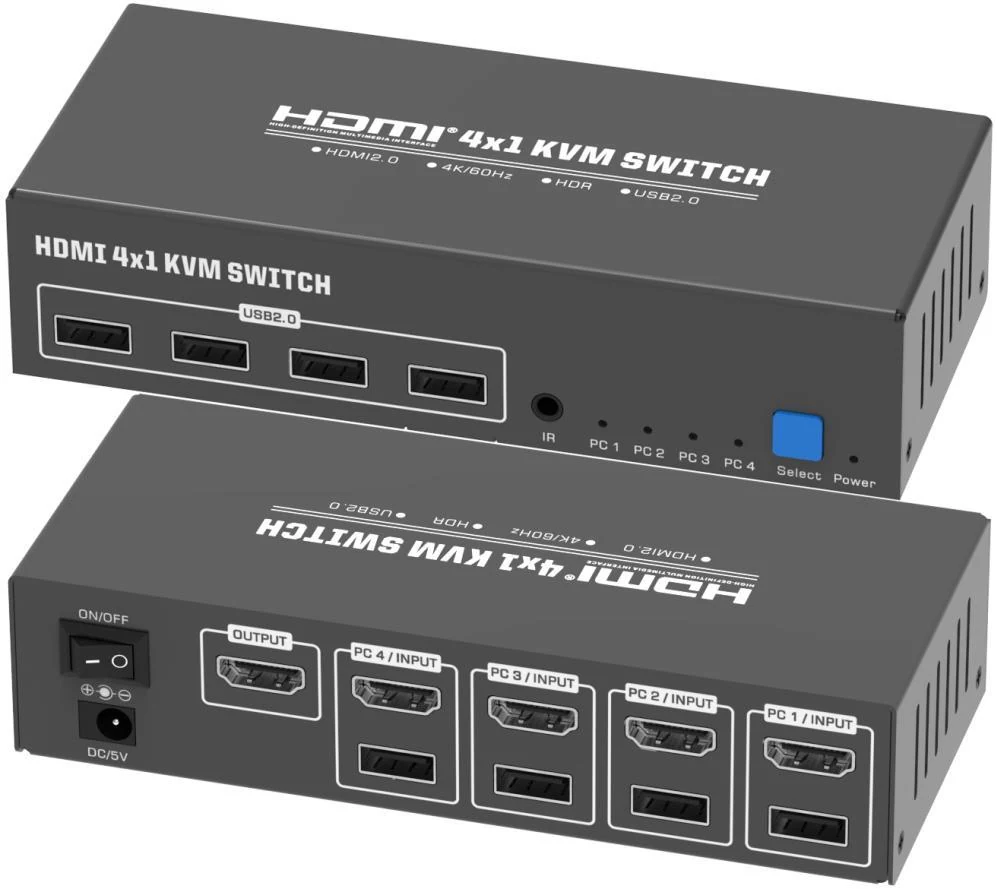 Supplier catalogue photograph of S-KVM-4K60-401B; confirm included accessories
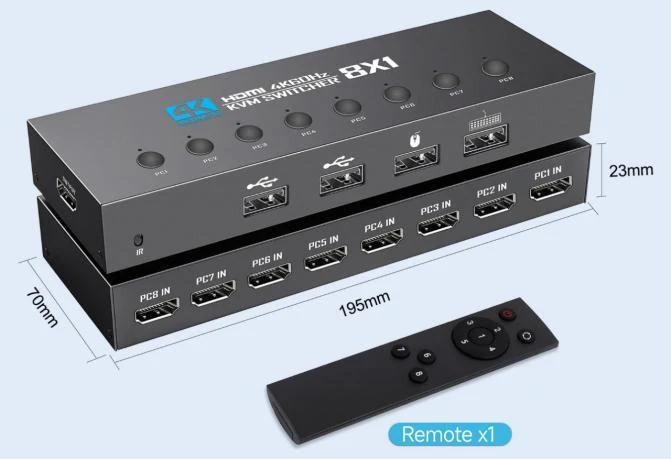 Supplier catalogue photograph of S-KVM-4K60-801B; confirm included accessories