SYONG / video-extenders

SYONG S-EXT-HWL-50M — Video extenders

Model code: S-EXT-HWL-50M

Video extendersHDMI

SYONG S-EXT-HWL-50M video extenders. Supplier catalogue designation: “Portable 50M Wireless HDMI Extenders (1080P@60Hz)”. Confirm exact operating modes and compatibility before ordering.
Enquire ↗+998 77 161 11 11 ↗
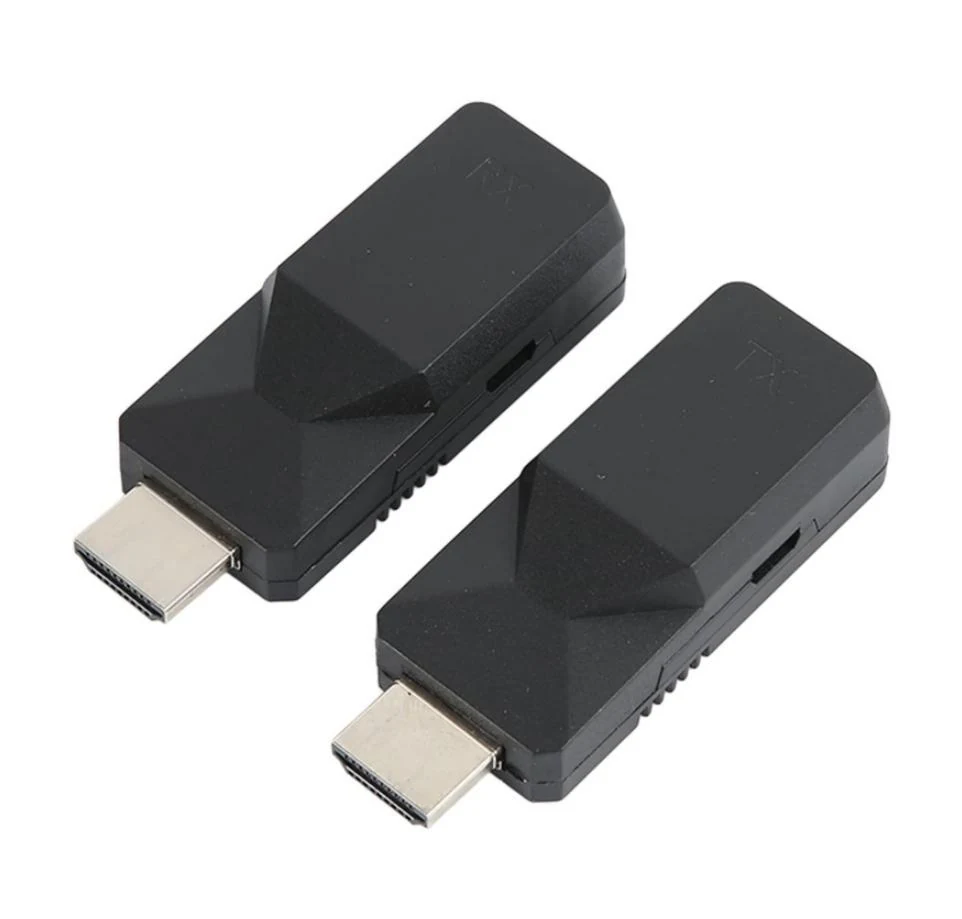
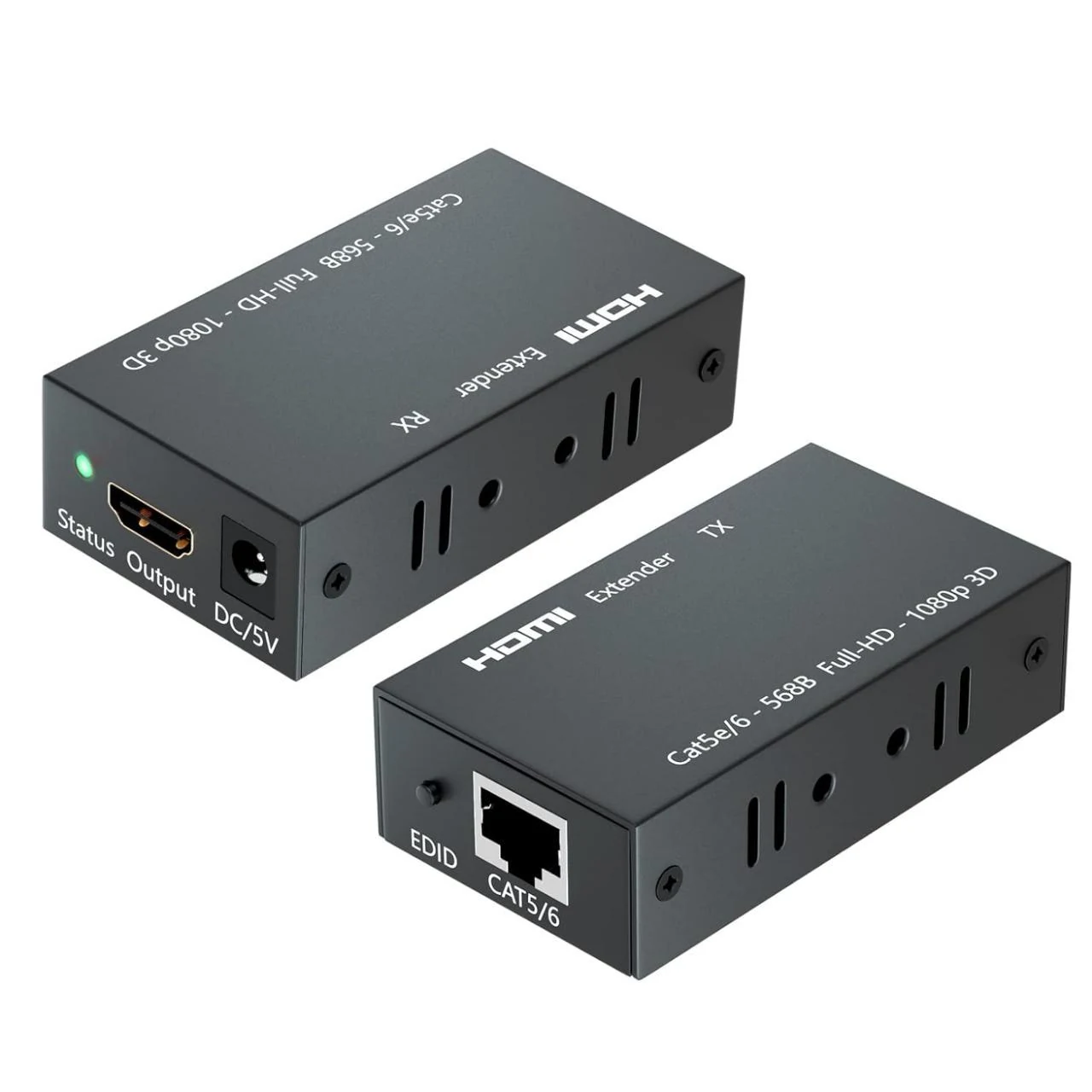
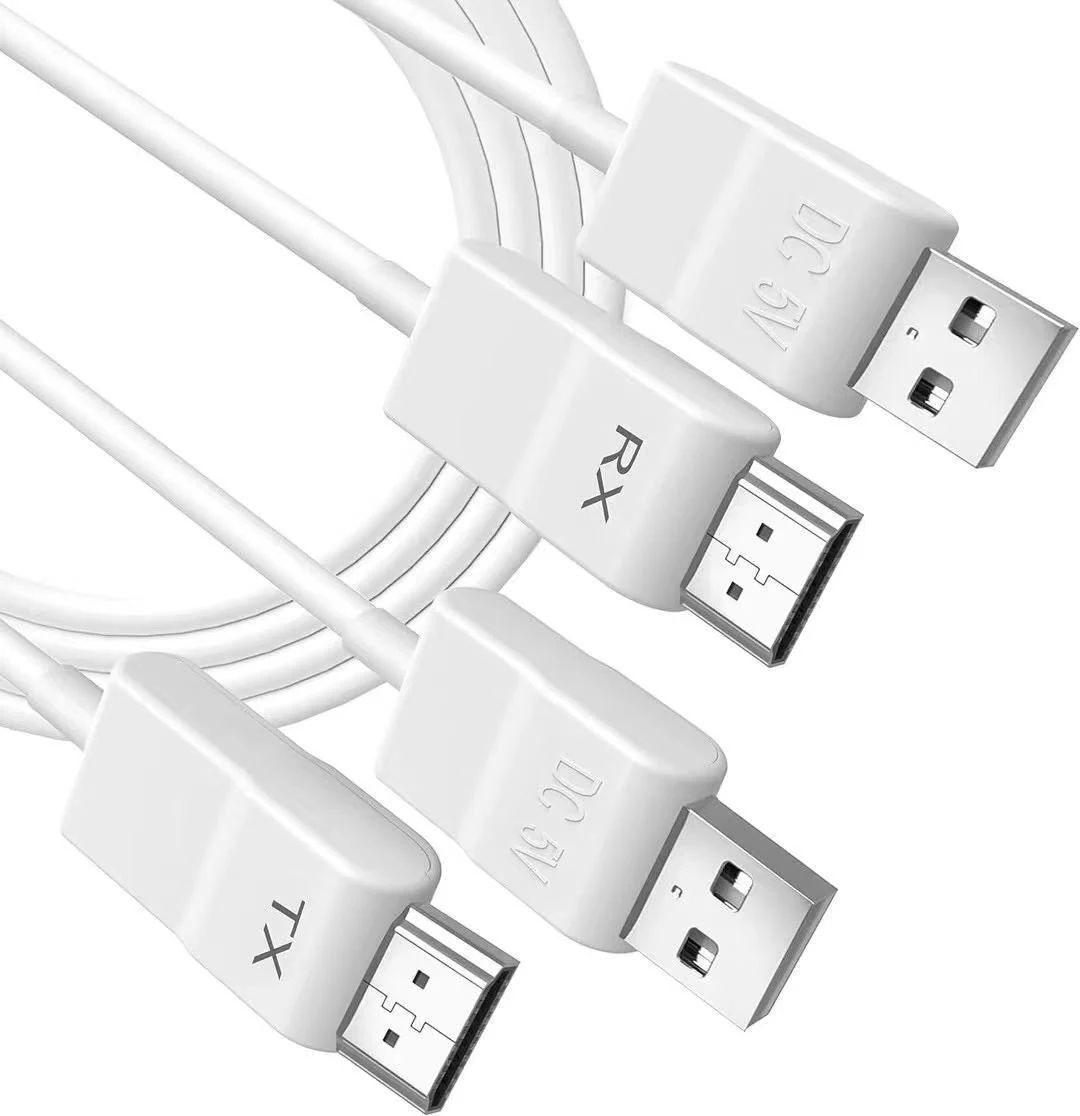
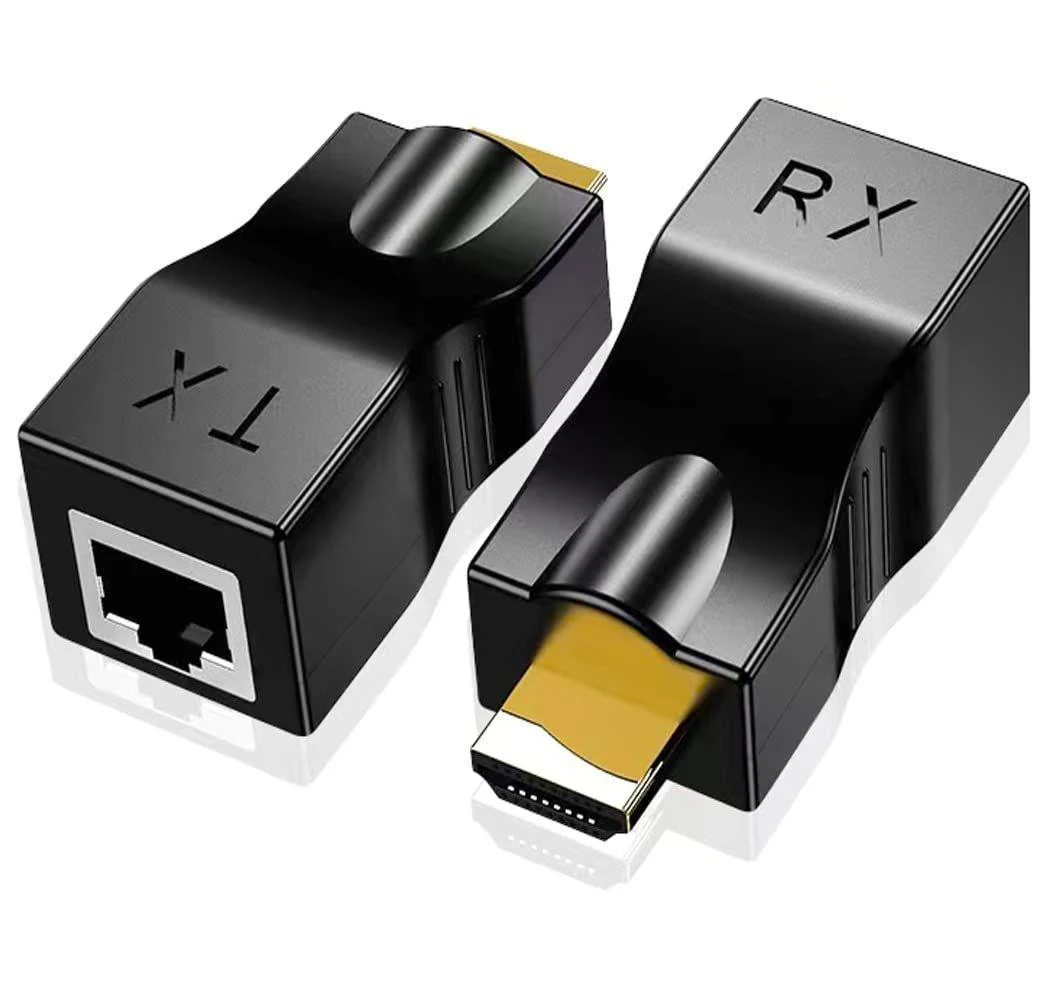
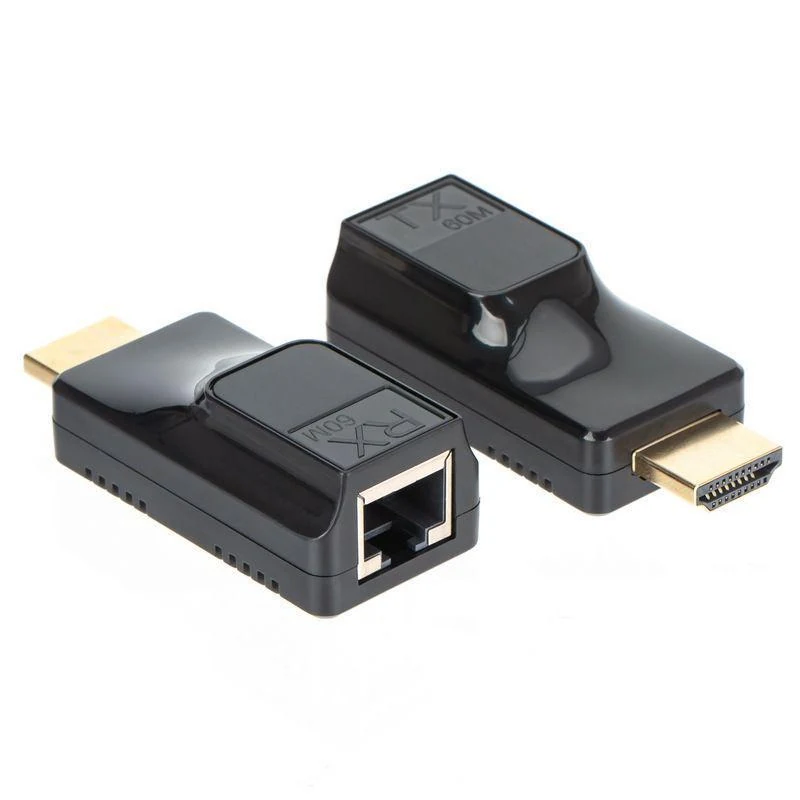
SYONG S-EXT-HWL-50M — Video extenders — Supplier catalogue photograph of S-EXT-HWL-50M; confirm included accessories
Supplier catalogue photograph of S-EXT-HWL-50M; confirm included accessories · Owner-supplied SYONG product catalogue (2026-07-28), page 30
01 / Specifications
Model code
S-EXT-HWL-50M
Equipment type
Video extenders
Supplier designation (EN)
Portable 50M Wireless HDMI Extenders (1080P@60Hz)
Source catalogue page
30

Owner-supplied SYONG product catalogue (2026-07-28), page 30
Checked against documentation: 06.11.2026

Reference catalogue for quotation requests. Availability, production status, condition, price, lead time and warranty are individually confirmed. A listed part number is not a stock claim.

Supplier catalogue description

Descriptions and images come from the supplied SYONG product catalogue dated 2026-07-28. These are supplier statements, not our test results. Resolution, refresh rate, transmission distance, power, compatibility and accessories depend on the operating mode and connected devices; agree the exact specification before ordering. Conflicting source specifications require clarification. Availability, price and warranty are confirmed on request.

Read the original description (English)

Portable 50M Wireless HDMI Extenders (1080P@60Hz) Features:

1. Compact and portable design

2. Supports 1080P Full HD

3. No software required, plug & play

4. Supports multiple device connections

5. Wireless transmission up to 50m (open space)

6. Audio and video sync transmission Installation:

1. Receiver: Connect the receiver to your display and power it on.

2. Transmitter: Plug the transmitter into your laptop, connect to power, and wait for automatic mirroring.

3. Restart: Unplug to stop mirroring; plug back in to restart.