
 Photo pending
StarTech.com CK4-HP102C · Secure KVM
P/N: CK4-HP102C
Workplace connectivity; capabilities depend on interfaces and host compatibility. Host Connector 1: DisplayPort · Connector 1: USB-A (480Mbps, 2.5W) · Operating Temperature: 0C to 40C (32F to 104F)
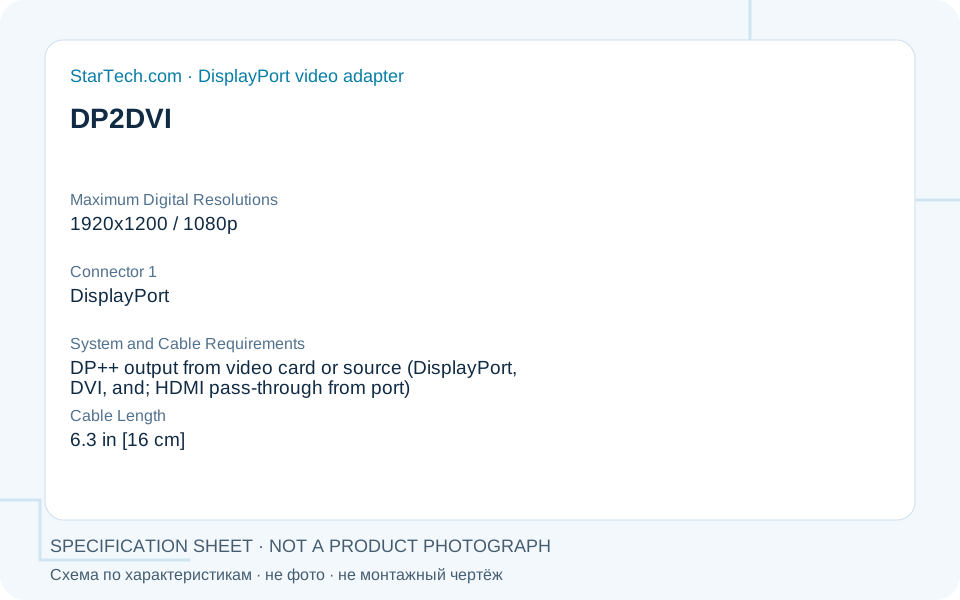 Specification schematic, not a product photograph or installation drawing.
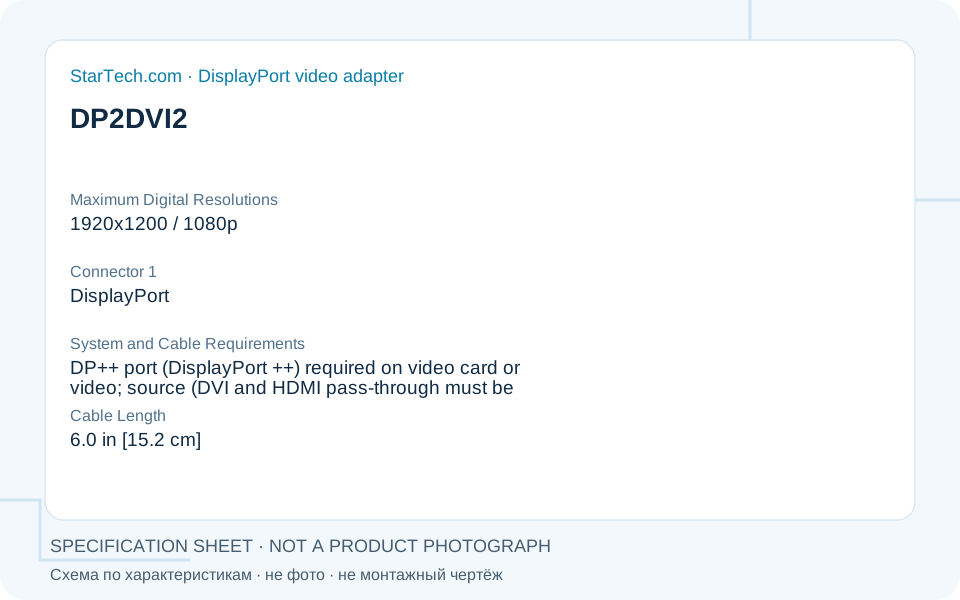 Specification schematic, not a product photograph or installation drawing.
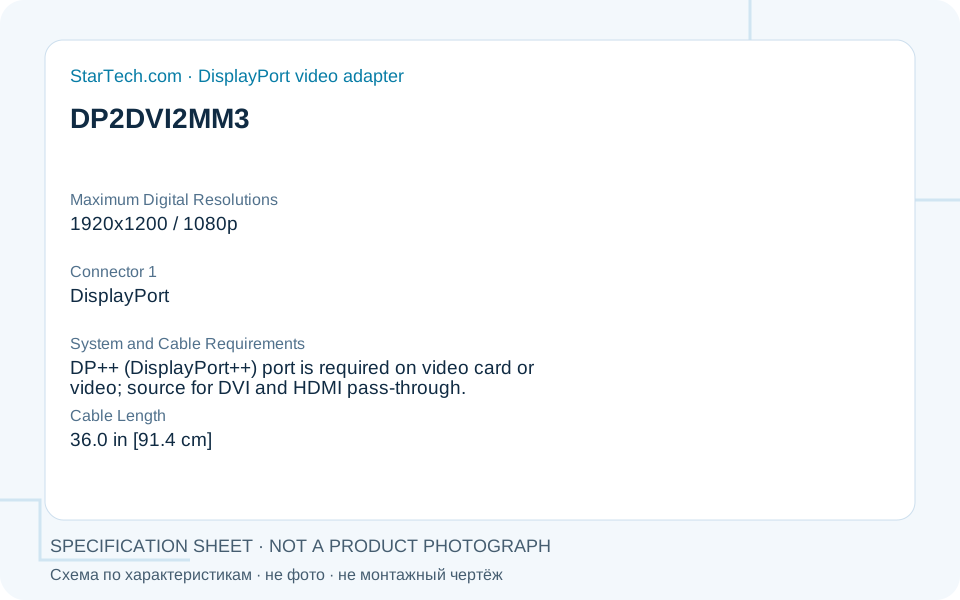 Specification schematic, not a product photograph or installation drawing.
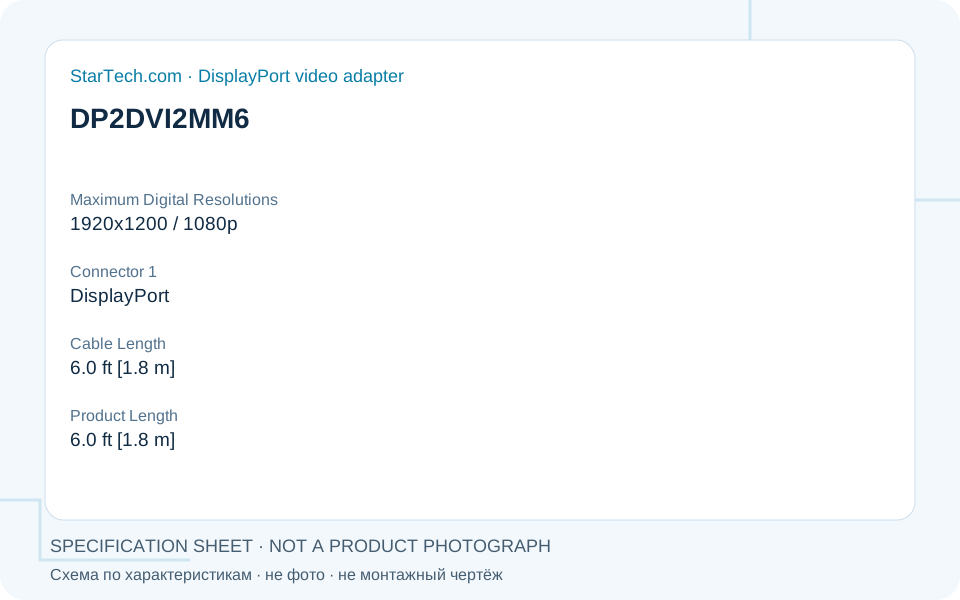 Specification schematic, not a product photograph or installation drawing.
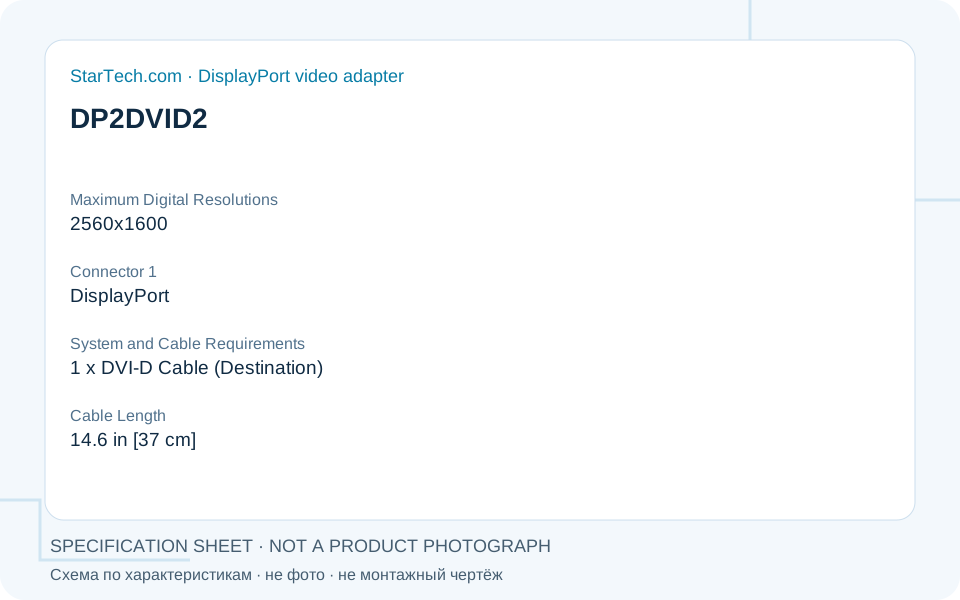 Specification schematic, not a product photograph or installation drawing.
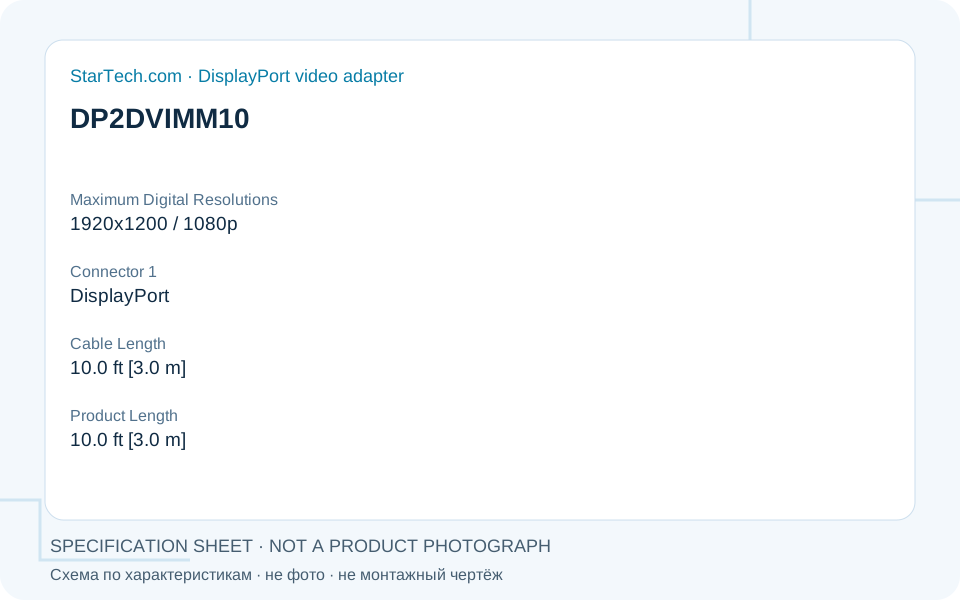 Specification schematic, not a product photograph or installation drawing.
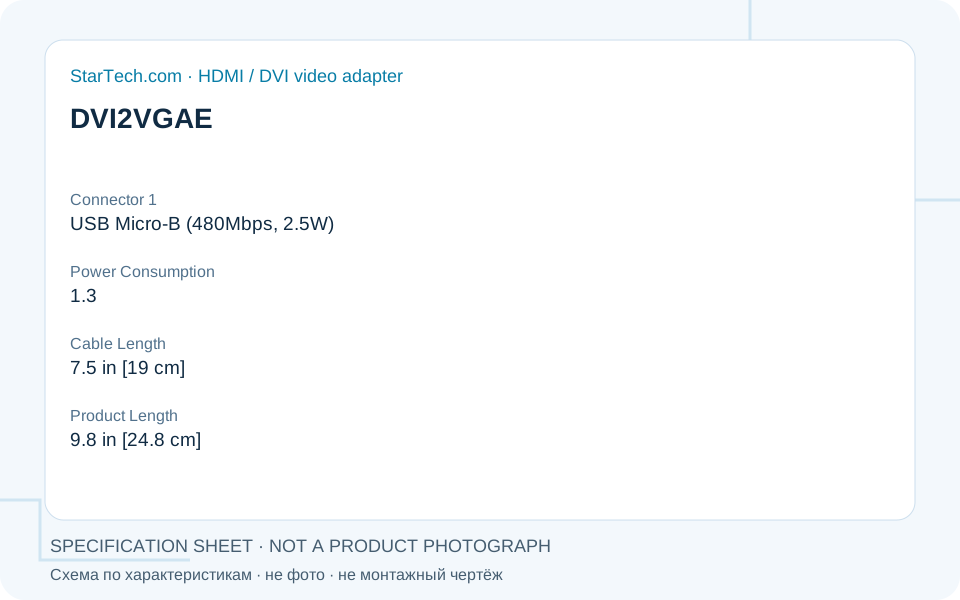 Specification schematic, not a product photograph or installation drawing.
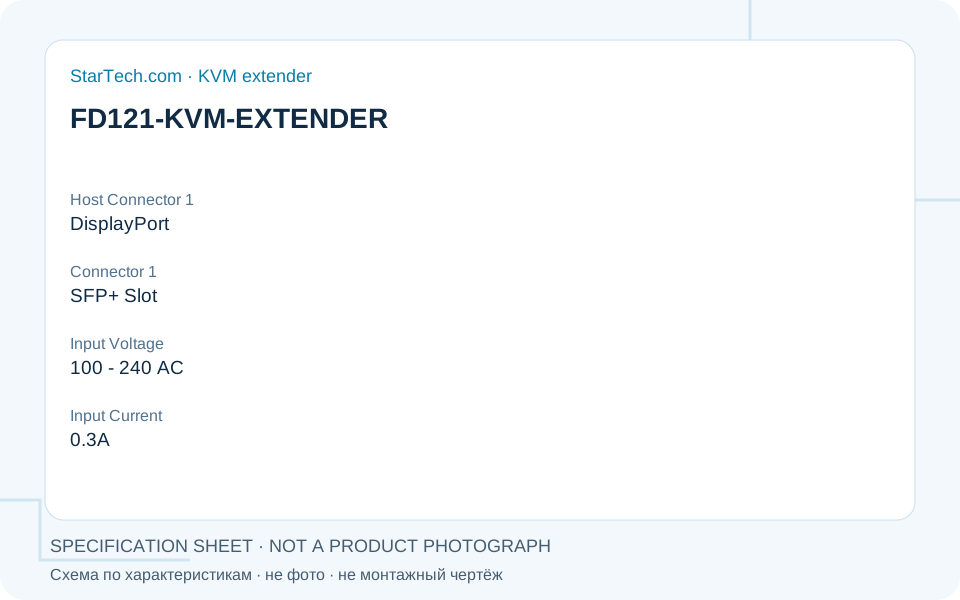 Specification schematic, not a product photograph or installation drawing.
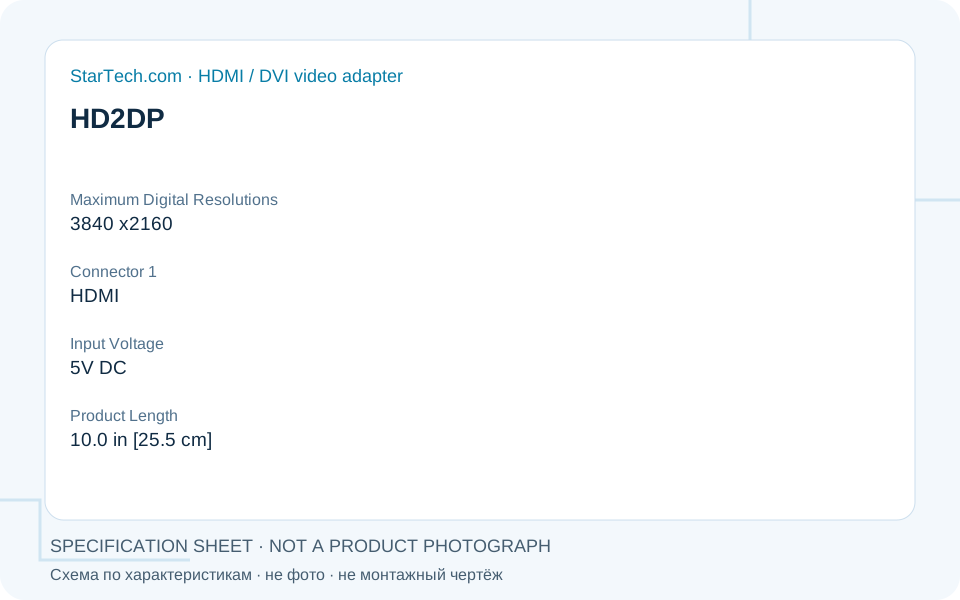 Specification schematic, not a product photograph or installation drawing.
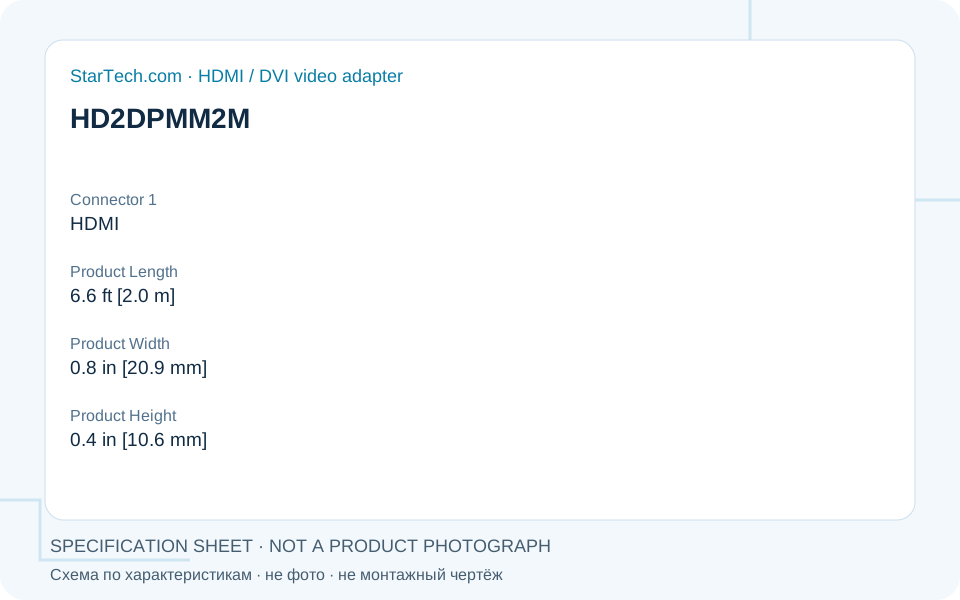 Specification schematic, not a product photograph or installation drawing.
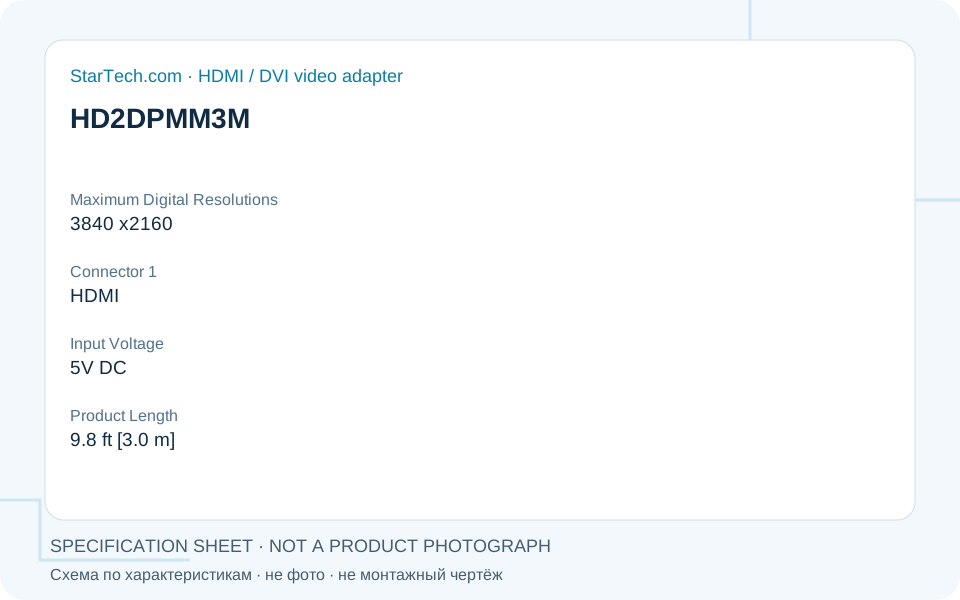 Specification schematic, not a product photograph or installation drawing.
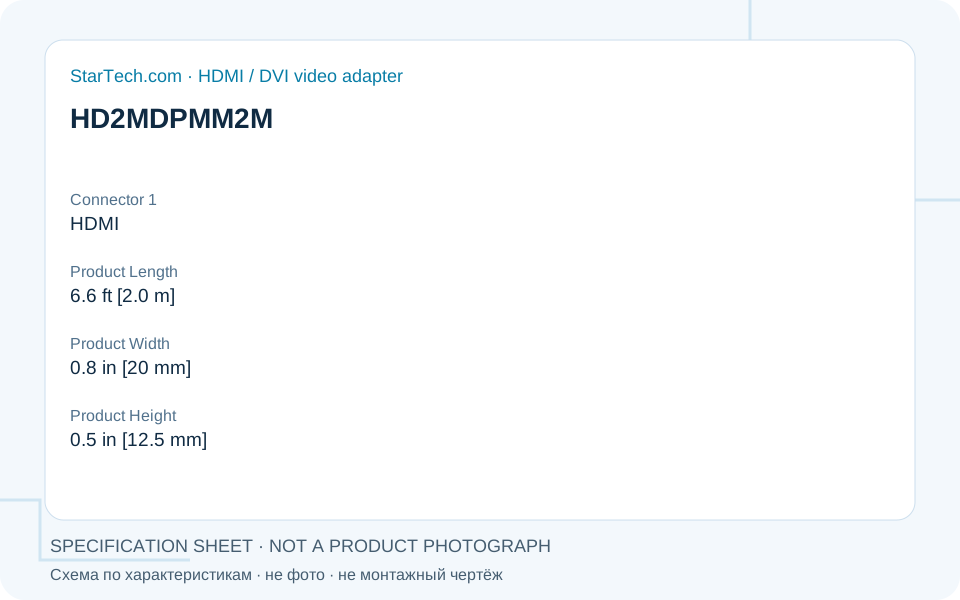 Specification schematic, not a product photograph or installation drawing.
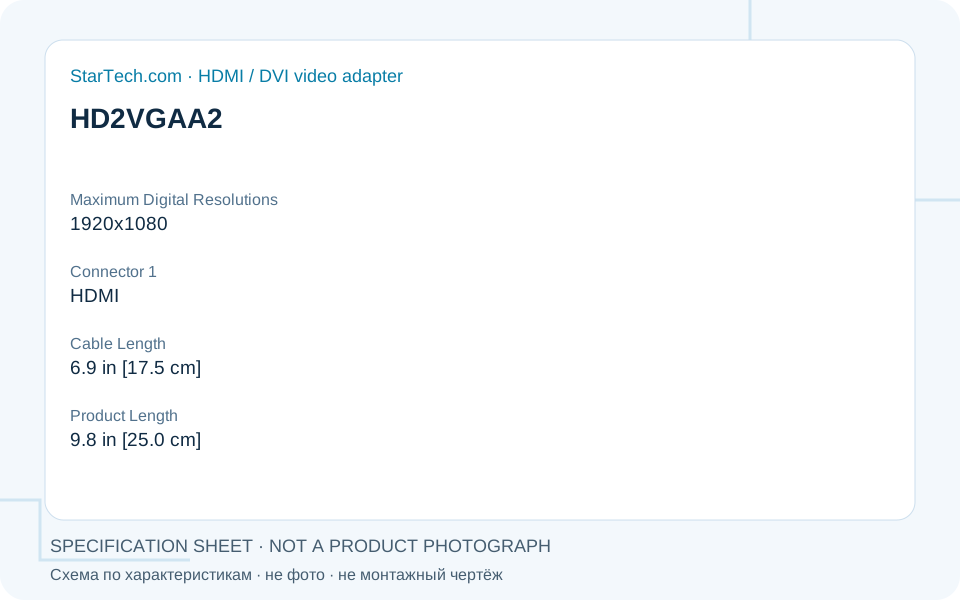 Specification schematic, not a product photograph or installation drawing.